- calendar_today August 22, 2025
Something amusing is going on in the Windows 11 world. Most likely, you won’t see a futuristic launch video or a large splash screen. Installing a new AI-powered app won’t be required of you. However, Microsoft is quietly and gradually adding intelligence to the apps you’ve been using for a very long time. Additionally, it’s doing it in a surprisingly beneficial way.
The real story is taking place in places like Snipping Tool, Paint, Photos, and Camera, but Windows Copilot is receiving the majority of the AI headlines. We have taken these tools for granted. They have existed forever. They carry out their duties efficiently. They’re becoming smarter, though, thanks to new AI features that aim to make things run more smoothly rather than try to reinvent the wheel.
First, let’s look at the Snipping Tool. The majority of us use it to take screenshots, paste them into documents, and occasionally crop them. However, Microsoft is developing optical character recognition (OCR), which would greatly increase the power of this tool. You can extract text straight from a screenshot using OCR. No more typing out what you see after squinting at a hazy image. Simply drag, copy, and paste.
Perhaps it’s a minor alteration. But one that could repeatedly save time and effort. particularly in processes involving support tickets, documentation, or simply organizing data from a Zoom meeting.
The Photos app comes next. An AI update will enable it to identify objects, people, and pets in your photos. Do you want to get rid of a busy background? Put your dog front and center in a family portrait? You won’t need sophisticated software or photo editing abilities to accomplish that; the app will soon be able to assist you with just a few clicks.
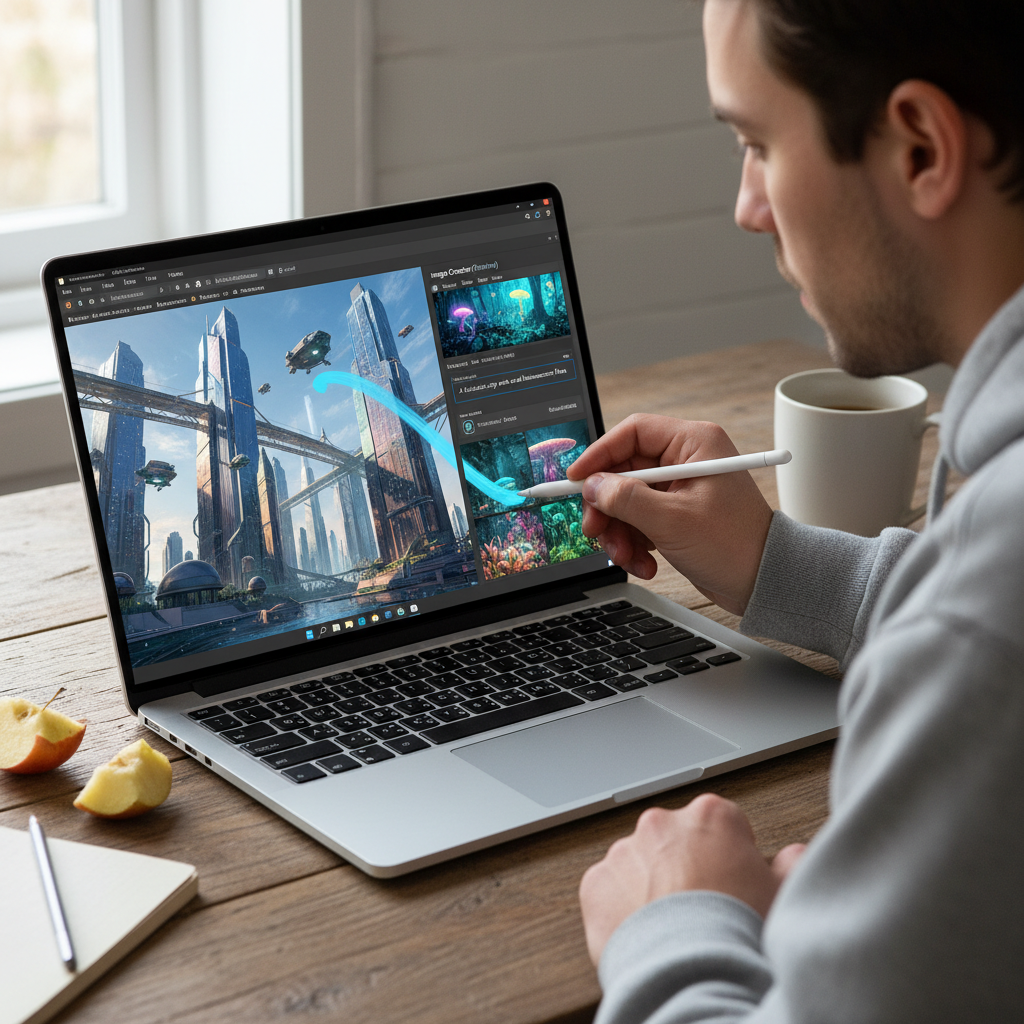
The biggest surprise of all is that Microsoft Paint is becoming generative. Yes, you can now create images from text prompts using the same Paint app you used to sketch in class. Paint will create an image if you write something like “a dragon curled around a medieval castle during sunset.” The same technology that powers Bing Image Creator, a variant of OpenAI’s DALL·E, makes it all possible.
This type of creative tool was once found in experimental web tools or high-end design software. It’s now coming to a well-known, free program that has been on your computer for ages.
However, one essential component is required for all of this magic: hardware support. Neural Processing Units (NPUs) are specialized chips made to efficiently handle AI workloads, and they power these smarter features. They relieve the strain on AI-specific tasks like image generation and object detection, but they don’t take the place of your CPU or GPU.
NPUs are frequently found in ARM-based systems, such as the Qualcomm chips found in mobile phones. However, they are now showing up in common Windows computers. NPUs are a feature of both AMD’s Ryzen 7040 series and Intel’s upcoming Meteor Lake processors, so you’ll start to see this technology on an increasing number of laptops and desktop computers.
Why is this important? Because it indicates that artificial intelligence is approaching the edge, or your local computer. Removing a photo background or copying text from a screenshot doesn’t require pinging a server across the internet. It functions even when you’re offline, is private, and is quicker.
To be clear, this isn’t a complete overhaul of Windows usage. You’re not being asked to reconsider your apps or alter your workflow. That’s what makes it so beautiful. These features blend in seamlessly with your everyday activities. You discover Snipping Tool can read text when you open it one day. Or you open Paint and find it can create the scene you’ve always wanted.
Microsoft’s strategy feels refreshingly… mature in an era when technology frequently feels bloated with bells and whistles. They aren’t following the hype. With careful AI, they are resolving common problems. And it may be the most intelligent update Windows has seen in a long time.